

The Central Depository Systems has suspended CDS accounts that do not contain essential key information such as email address, mobile number, and bank account details. This measure has been implemented to ensure the security and protection of account holders.
If your CDS account has been suspended due to missing key information, you can lift the suspension by updating the required details through the link below.
CDS e Connect and Key Information UpdateIndividuals with CDS Accounts can self-register themselves via the CSE mobile app to access the CDS eConnect.
For Individuals with mobile numbers & email addresses registered in CDS
If you have already registered your email address and mobile number in the CDS through your stockbroker, and you are using the same, in a matter of seconds you can complete your self-registration. you must enter the same details to the mobile app, and you will be directed to the CDS eConnect.
For Individuals with different mobile number and/or email address from the CDS registered info
When you download the mobile app and enter your updated email and/or mobile number, you will be directed to an app screen where you will be prompted to enter the information into a form. The updated information then will be directed to your selected stockbroker. You will be able to access the CDS eConnect once your stockbroker verifies and approves the submitted information.
For Individuals with mobile numbers & email addresses NOT registered in the CDS
When you download the mobile app and enter your email and mobile number you will be directed to an app screen where you will be prompted to enter the information into a form. The updated information then will be directed to your selected stockbroker. You will be able to access the CDS eConnect once your stockbroker verifies and approves the submitted information.
You can contact us on 0112356455 for clarifications.
E-statements and E-Dividends Download Now
-
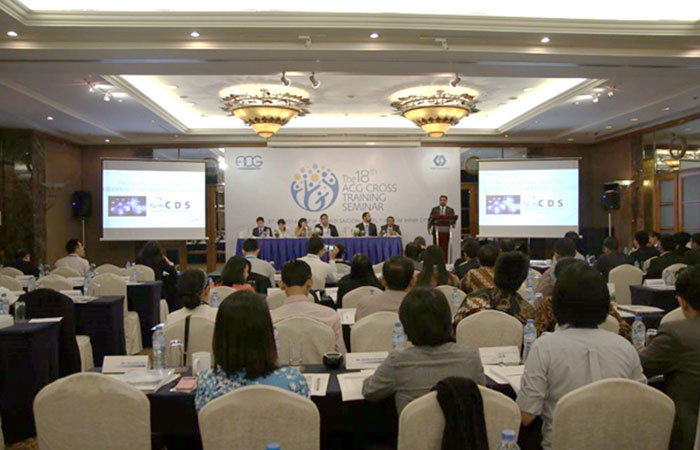 CDS Attends the 18th ACG Cross Training Seminar Tuesday May 17, 2016
 -
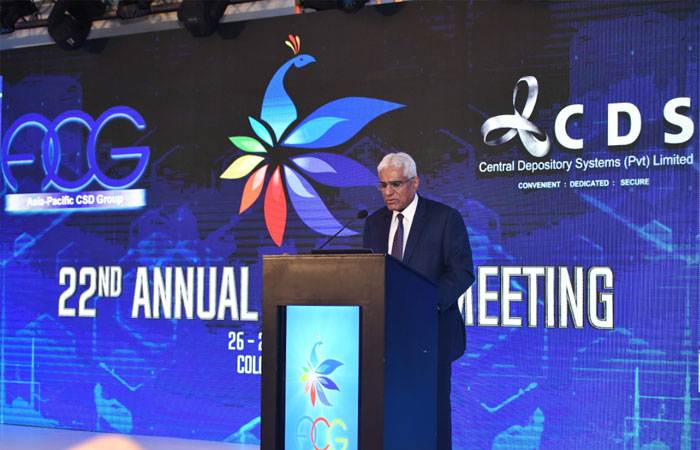 CDS Hosts the 22nd ACG Annual General Meeting Monday November 26, 2018
 -
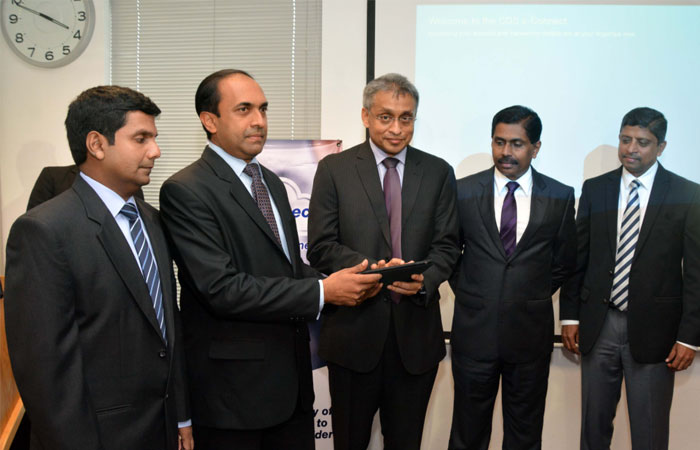 CDS Launches e-Connect Facility Thursday August 4, 2016
 -
 CDS Signs MoU with CDC Pakistan Friday September 2, 2016
 -
 Way Forward: Future Developments of the CDS Wednesday June 15, 2016
 -
 CDS Digitalization Initiatives – Launch of Online Account Opening Wednesday October 7, 2020